
Why buy from us?
Here’s why customers choose us for their ID solutions
Ask a Question About This Product
Dascom DC-340 YMCKO Full-Color Ribbon – 300 Prints
Create vibrant, high-quality cards with the Dascom DC-340 YMCKO Full-Color Ribbon—perfectly designed... Read More
from
$54.99
- Stock: In Stock
- Brand: Dascom
- Model: 75306001
Create unlimited custom product blocks and display them in accordions or tabs or open blocks. Each block can be assigned to all products at once or specific products according to advanced criteria.
Tags:
Dascom ID Printer Ribbon
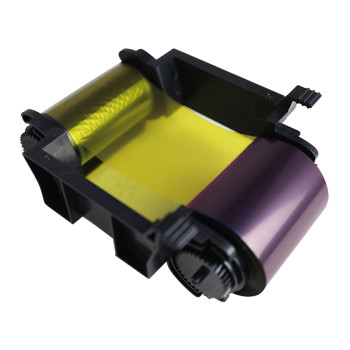
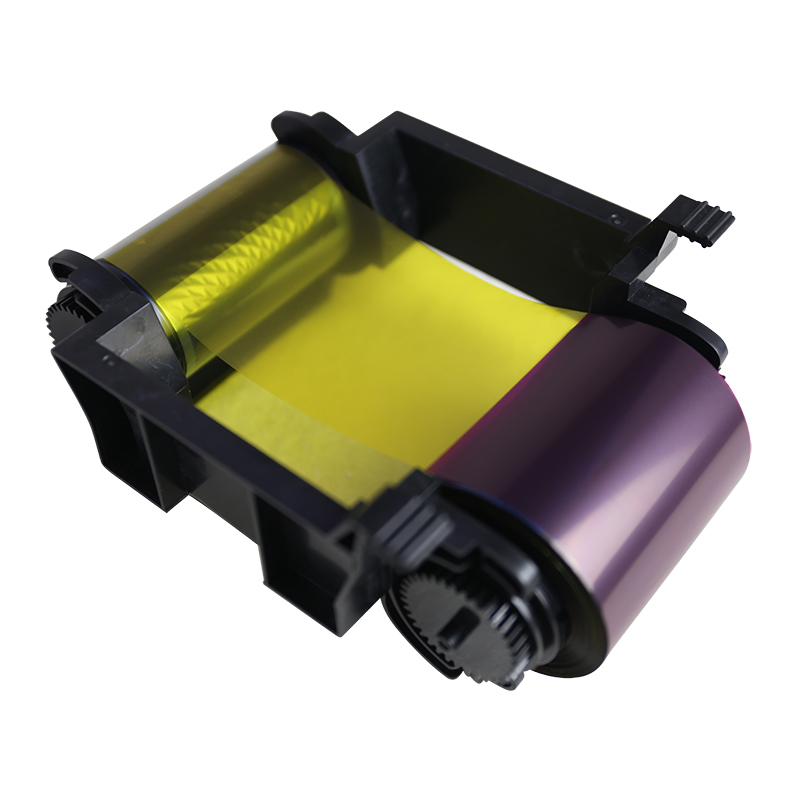
Create vibrant, high-quality cards with the Dascom DC-340 YMCKO Full-Color Ribbon—perfectly designed for use with the Dascom DC-340 Direct-to-Card Printer. This premium ribbon ensures every card is printed with rich, professional-grade color and clarity. What is YMCKO? YMCKO stands for Yellow, Magenta, Cyan, Black, and Overlay. The first four panels produce sharp, photo-like images and text, while the Overlay panel adds a protective coating to enhance durability and protect against fading and everyday wear.
- High Yield: Each roll prints up to 300 cards, making it an ideal choice for small to medium-volume printing applications.
- Vibrant Full-Color Printing: The YMCK panels produce outstanding image quality, crisp text, and vivid, eye-catching graphics.
- Enhanced Durability: The built-in Overlay (O) panel adds a protective layer, making cards more resistant to scratches, fading, and everyday wear.
- Seamless Compatibility: Engineered exclusively for the Dascom DC-240 Direct-to-Card Printer for optimal performance and reliability.
Builder in Product TAB
NEW! Since Journal 3.2, the much improved T.A.B (Tabs Accordion Blocks) system supports the page builder inside the tab content. Unlimited Blocks, Tabs or Accordions with any HTML content or the builder interface (supporting custom rows/columns/modules) can be assigned to any individual product or to certain groups of products, like entire categories, brands, products with specific options, attributes, price range, etc.
You can indicate any criteria via the advanced product assignment mechanism and only those products matching your criteria will display the modules.
Also, any module can be selectively activated per device (desktop/tablet/phone), customer login status and other criteria. Imagine the possibilities.